Case study · AI / LLM agents
NexSchema: AI Database Schema Generator
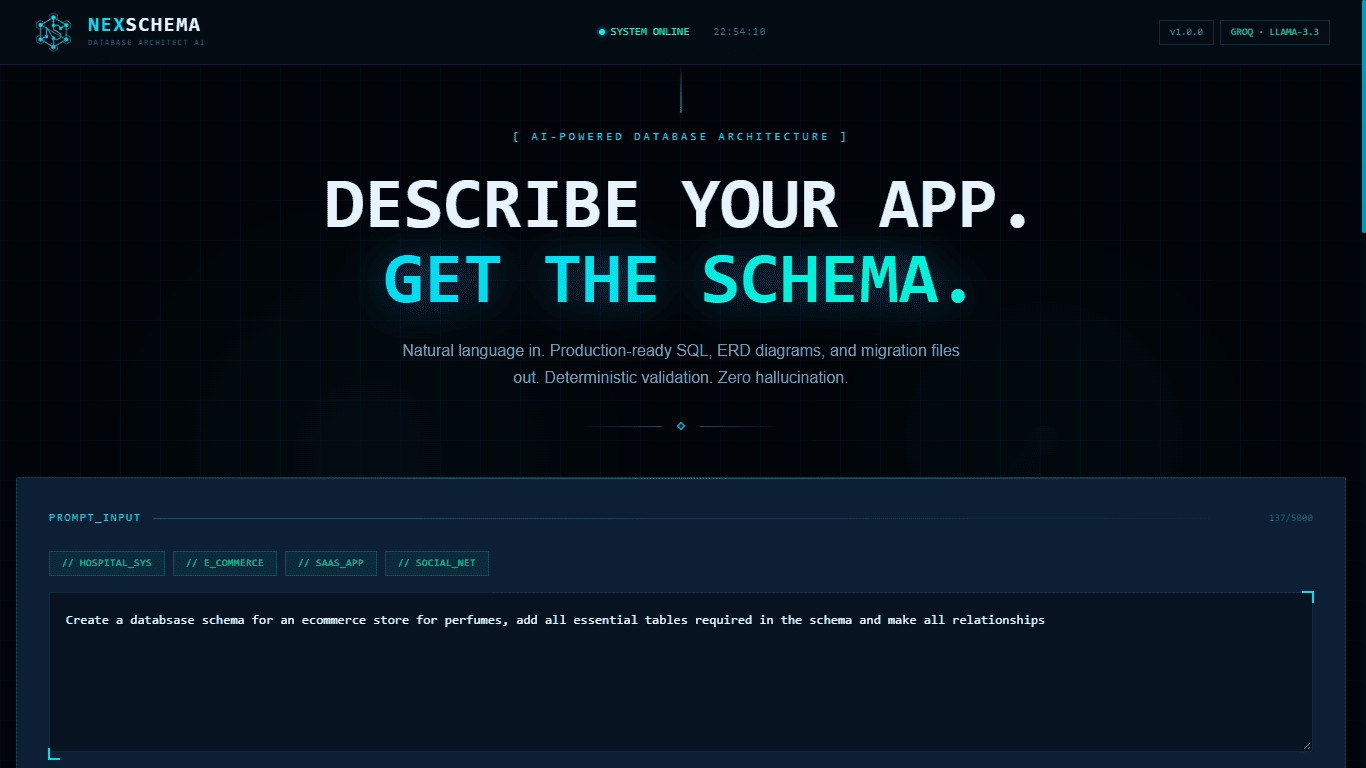
Describe your app in plain English and get a validated relational schema, migration-ready SQL and an ERD diagram, with every AI answer checked by deterministic rules.
Why I built it
Designing a database starts with the same slow steps every time: listing entities, choosing types, wiring foreign keys, adding junction tables, then writing the SQL by hand. Mistakes here are expensive because they spread into every layer built on top.
Asking a general chatbot for a schema is fast, but the answer is unreliable. It can reference tables that do not exist, skip primary keys, or return SQL that fails on the first run, and nothing checks it.
I wanted to see if an LLM could be used only for understanding the description, while ordinary code builds, checks and corrects the schema. That split is the core idea behind NexSchema.
Goals
- Turn a plain-English app description into a relational schema
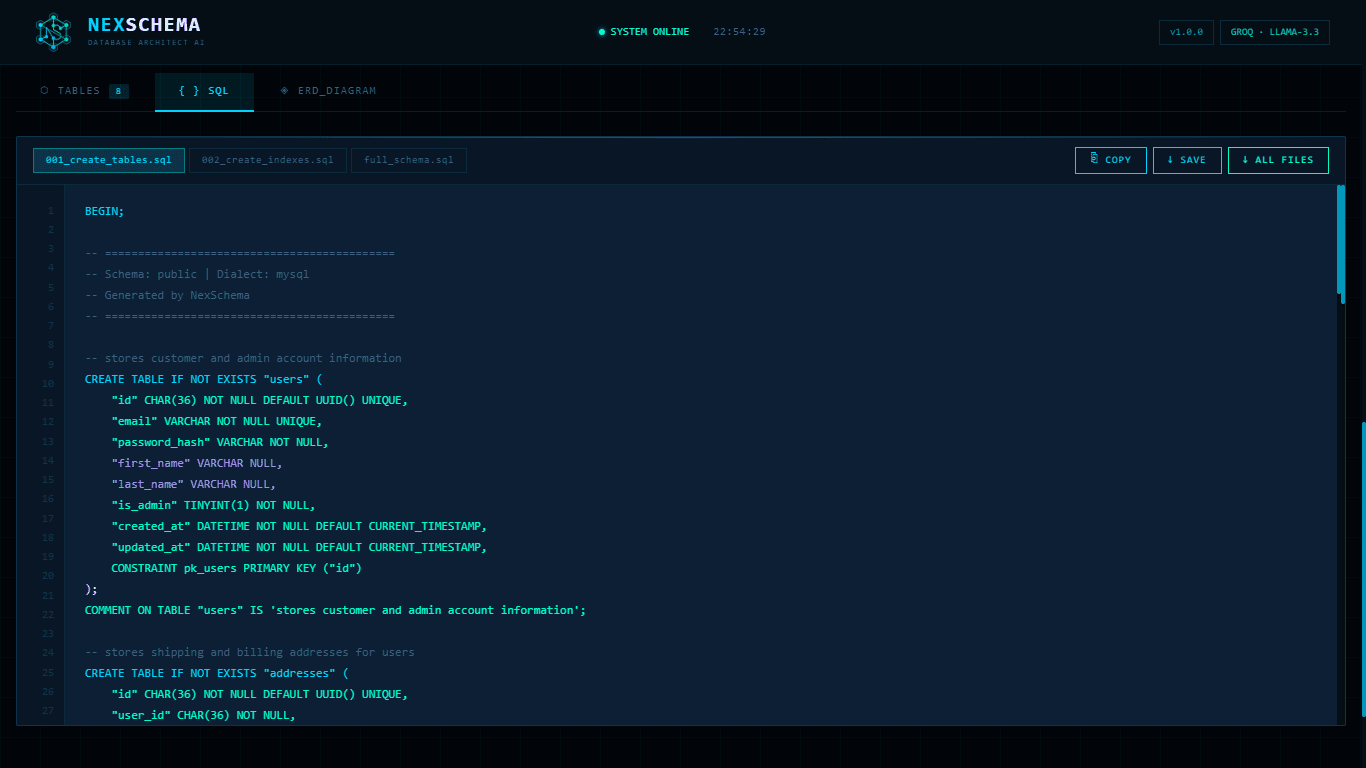
- Generate runnable SQL for PostgreSQL and MySQL, split into migration files
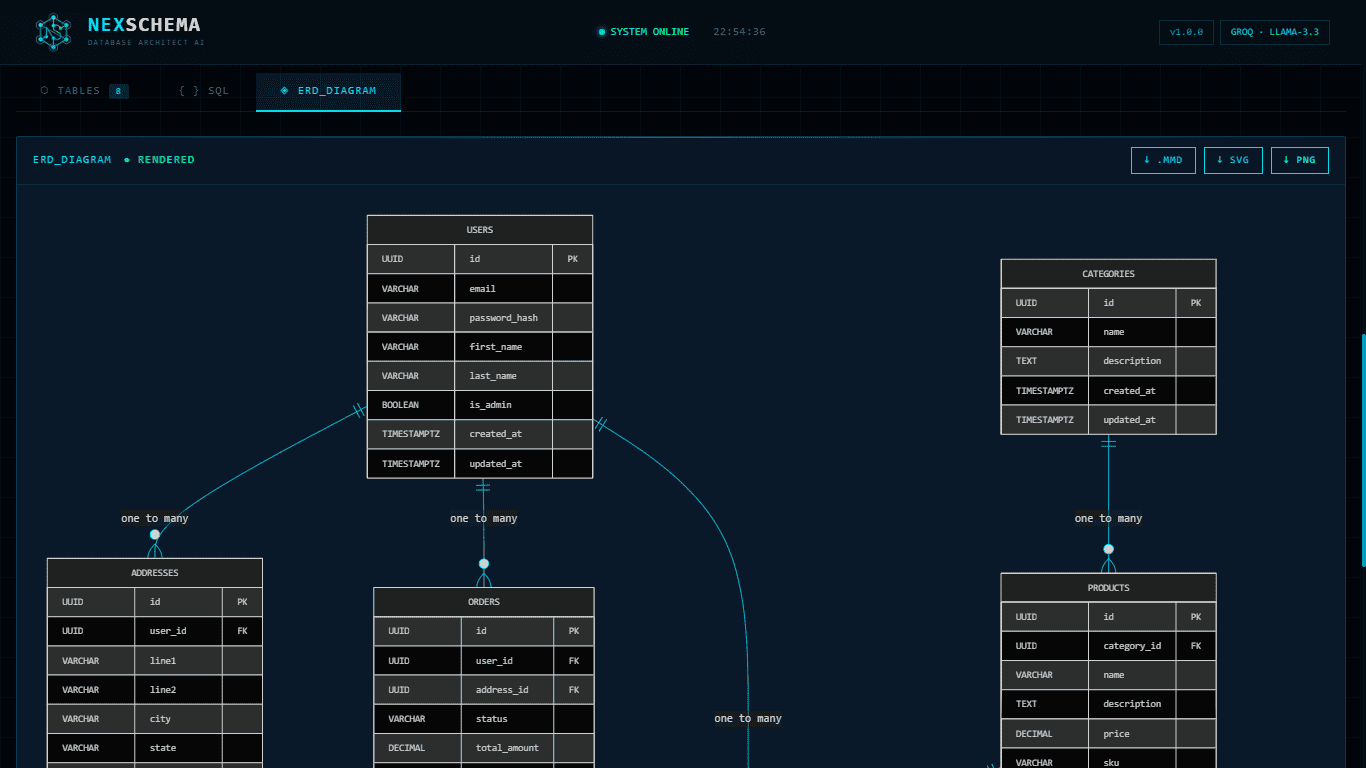
- Produce an ERD diagram that can be downloaded
- Validate every AI result with deterministic rules before showing it
- Be upfront about the assumptions and ambiguities the AI found in the prompt
How it works
- 01
Prompt guard
Before any AI call, a rule-based validator rejects clearly off-topic input such as maths questions, jokes or greetings, and returns a clear message. This saves API calls and keeps the model focused on database design.
- 02
Two-phase LLM extraction
The first call extracts tables and columns as strict JSON. A second call extracts relationships using only the table names from phase one. Splitting the work keeps each response small and avoids truncated output.
- 03
Intermediate representation
AI output is parsed into Pydantic models and transformed into a database-neutral schema. A relationship engine then creates foreign keys and junction tables for one-to-many, one-to-one and many-to-many links.
- 04
Validate and refine loop
A validator checks for duplicate tables, missing or nullable primary keys, broken foreign keys, duplicate columns, circular references and missing audit columns. Errors are fed back to the model as a correction prompt, up to 12 steps.
- 05
Generators and dashboard
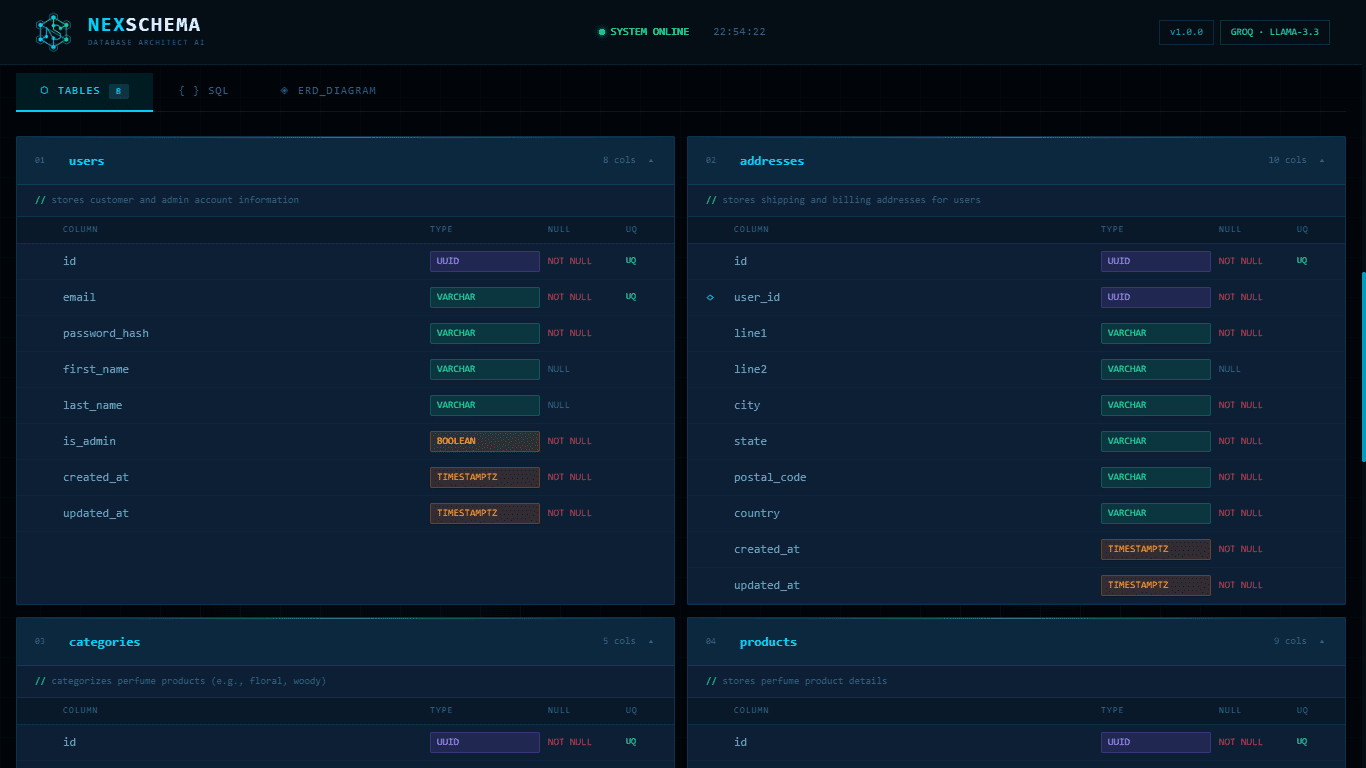
Generators render dialect-specific SQL in dependency order, plus Mermaid and PlantUML ERDs. A React dashboard shows tables, SQL with copy and download, and the rendered ERD, with SVG and PNG export.
What it does
Plain-English input
Describe an app and get tables, columns, keys and relationships back.
Deterministic validation
Rule-based checks catch broken keys and duplicates instead of trusting the model.
Self-correcting agent
Validation errors are sent back to the model automatically until the schema passes.
PostgreSQL and MySQL
Dialect-aware SQL with migration files for tables and indexes.
ERD diagrams
Mermaid diagrams rendered in the browser, exportable as .mmd, SVG or PNG.
Assumptions shown
Ambiguities, assumptions and warnings are listed next to the result.
What went wrong, and the fix
LLM output can be invalid or cut off mid-JSON.
Used JSON response mode, a token-limit check on every call, per-call retries that feed the error back to the model, and a two-phase prompt to keep responses short.
The model sometimes references tables it never defined.
Added a validator that checks every foreign key target and sends the exact error back to the model as a correction prompt.
Many-to-many relationships need junction tables.
Built a relationship inference engine that creates the junction table and its two foreign keys deterministically instead of relying on the model.
Tables must be created in dependency order.
Sorted tables topologically before generating SQL so foreign keys never point to a table that does not exist yet.
Provider rate limits and off-topic prompts waste requests.
Handled rate limits with retry-after backoff and a clear 429 message, and added a prompt guard that blocks unrelated input before any API call.
Gallery
What I learned
- Use the LLM for understanding and let plain code do the checking. A validator that talks back to the model is more reliable than a longer prompt.
- Smaller, separate LLM calls (tables first, then relationships) fail less often than one huge request.
- Showing assumptions and warnings builds more trust than presenting the output as always correct.
What's next
- Add SQLite output (the API already accepts it, the SQL generator does not yet)
- Let users edit the schema and regenerate only the changed parts
- Add automated tests for the validator and relationship engine
- Export Prisma, SQLAlchemy or Django model code
Have something in mind?
Tell me what you're building. I'll reply with questions, a rough plan and a realistic timeline.
Start a conversation